Shopify Black Friday Discount Setup: The Complete 2026 Guide

Short answer: To run a Black Friday sale on Shopify, pick 2-4 offers (for example tiered spend discounts, a BOGO and a free-shipping threshold), build them as automatic discounts with fixed start and end dates, decide which ones may combine, and test the whole checkout before launch. Black Friday 2026 is Friday, November 27, and Cyber Monday is Monday, November 30, so you have roughly seven weeks from today.
This guide covers the decisions that matter most, and links to deeper guides for each one.
Why plan Black Friday discounts early?
Section titled “Why plan Black Friday discounts early?”Shopify reported that merchants sold about $14.6 billion over Black Friday Cyber Monday 2025, up 27% on 2024, with a peak of roughly $5.1 million per minute on Black Friday. Traffic spikes like that expose every weak spot in a promotion: a discount that does not apply, two offers that stack into a loss, or a code that expires at the wrong hour.
Planning in October gives you time to build, test and fix, rather than debugging live while orders arrive.
What are the main types of Black Friday discounts on Shopify?
Section titled “What are the main types of Black Friday discounts on Shopify?”| Offer | Best for | Guide |
|---|---|---|
| Sitewide percentage off | Simple, high-traffic stores | Protect margins |
| Spend more, save more (tiered) | Raising average order value | Tiered discounts |
| BOGO / Buy 2 Get 1 | Moving inventory | BOGO setup |
| Free shipping threshold | Reducing cart abandonment | Free shipping |
| VIP / early access | Rewarding loyal customers | VIP early access |
Tiered discounts, bundles and gift-with-purchase offers generally protect margin better than one flat sitewide percentage, because customers have to spend more to unlock the best price.
Automatic discounts or discount codes?
Section titled “Automatic discounts or discount codes?”- Automatic discounts apply at checkout with no input. Best for public sales, because customers who have to hunt for a code are more likely to leave.
- Discount codes give you control over who receives an offer: email lists, influencers, affiliates, or a VIP segment.
You can run both. Shopify limits a store to 25 active automatic discounts, which includes discounts created by apps. If your plan needs more, read how to get past the 25 automatic discount limit.
How do discounts combine on Shopify?
Section titled “How do discounts combine on Shopify?”By default, discounts do not combine unless you set them up to. Shopify’s rules:
- Allowed: order + free shipping, product + free shipping, product + product on different items. Product + order and order + order are allowed for eligible stores (Checkout Extensibility, no
checkout.liquid). Product + product on the same item is Shopify Plus only. - Limits: up to 5 product or order discount codes plus 1 shipping code per order.
- Order of calculation: product discounts first, then order discounts on the reduced subtotal, then shipping.
When discounts cannot combine, the customer gets the best one. Full details in Can you stack discounts on Shopify for Black Friday?
A 7-week Black Friday prep timeline
Section titled “A 7-week Black Friday prep timeline”| When | Task |
|---|---|
| Week 1 (now) | Choose offers, set margin floors, list excluded products |
| Week 2 | Build discounts as drafts with start and end dates |
| Week 3 | Decide combination rules; test every combination |
| Week 4 | Set up VIP segment and early-access offer |
| Week 5 | Final QA on mobile and desktop; test all markets |
| Week 6 | Freeze changes; announce to email and SMS lists |
| Week 7 | Launch early access, then Black Friday on November 27 |
Use the Black Friday launch checklist for the final QA pass.
How PowerX helps with Black Friday setup
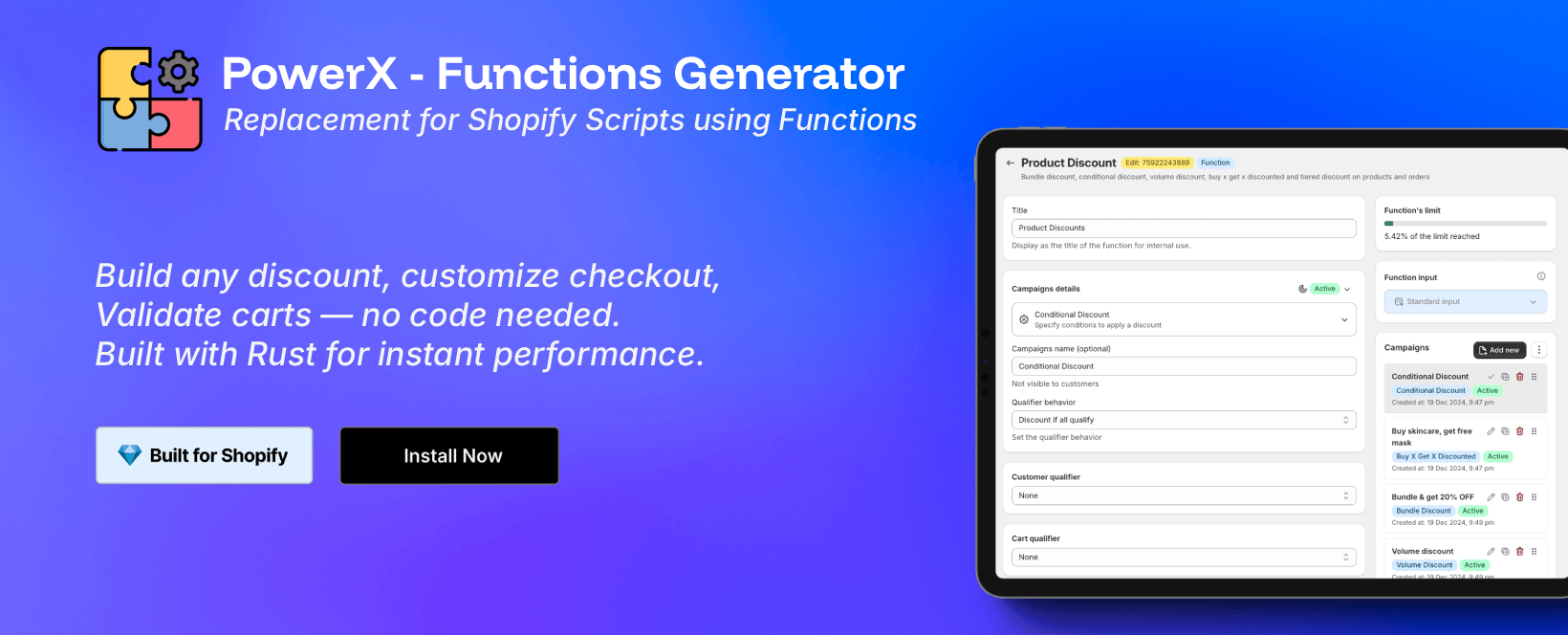
Section titled “How PowerX helps with Black Friday setup”PowerX Functions Creator lets you build the offers above without code:
- Order discounts with tiers by subtotal or quantity
- BOGO and volume discounts with cheapest-item or collection targeting
- Shipping discounts with subtotal, weight and customer conditions
- Customer qualifiers for VIP and first-time customer offers
- Start and end dates on every campaign, and an activity log to revert changes
It runs on all Shopify plans. See the Getting Started guide.
When is Black Friday 2026?
Section titled “When is Black Friday 2026?”Friday, November 27, 2026. Cyber Monday is Monday, November 30.
How do I set up a Black Friday sale on Shopify?
Section titled “How do I set up a Black Friday sale on Shopify?”Choose your offers, build them as automatic discounts or codes with start and end dates, set combination rules, and test the full checkout before launch.
Should I use discount codes or automatic discounts?
Section titled “Should I use discount codes or automatic discounts?”Use automatic discounts for public sales and codes for targeted audiences.
When should I schedule my discounts?
Section titled “When should I schedule my discounts?”Build and test one to two weeks before Black Friday, and schedule explicit start and end dates so nothing depends on manual changes on the day.
Start your Black Friday setup
Section titled “Start your Black Friday setup”Install PowerX Functions Creator (free on development stores, 3-day trial on paid plans) and follow the guides linked above.