Shopify's 25 Automatic Discount Limit: How to Run More Offers on Black Friday

Short answer: Shopify allows a maximum of 25 active automatic discounts per store, and that number includes discounts created by apps. If your Black Friday plan has many collections, tiers and customer segments, you can hit it quickly. The fix is to consolidate several offers into one discount using conditional logic.
Why do stores hit the 25 discount limit?
Section titled “Why do stores hit the 25 discount limit?”Each offer is usually its own discount: one per collection, one per tier, one per market, one per customer group. A store running these at once reaches 25 fast:
- 5 collection sales
- 3 spend tiers
- 2 BOGO offers
- 1 free shipping threshold
- VIP and first-order offers
- Regional offers for each market
Leftover discounts from earlier seasonal sales also count if they are still active.
What counts toward the limit?
Section titled “What counts toward the limit?”- Active automatic discounts you create in the Shopify admin
- Active automatic discounts created by apps
Discount codes are separate. Shopify also limits how many codes can be used per order (5 product or order codes plus 1 shipping code).
4 ways to stay under the limit
Section titled “4 ways to stay under the limit”1. Clean up before Black Friday
Section titled “1. Clean up before Black Friday”Deactivate or delete old promotions. Review your discounts list now and remove anything from last year.
2. Schedule instead of overlapping
Section titled “2. Schedule instead of overlapping”Give each discount an end date so earlier offers are inactive when new ones begin. Use early access, Black Friday and Cyber Monday as sequential windows rather than three sets of discounts running at once.
3. Use discount codes for targeted offers
Section titled “3. Use discount codes for targeted offers”Influencer, email and VIP offers can be codes rather than automatic discounts. Remember codes need to be entered by the customer.
4. Consolidate with a Functions app
Section titled “4. Consolidate with a Functions app”This is the biggest lever. Instead of one native automatic discount per rule, an app can hold many rules inside a single function.
How PowerX gets past the limit
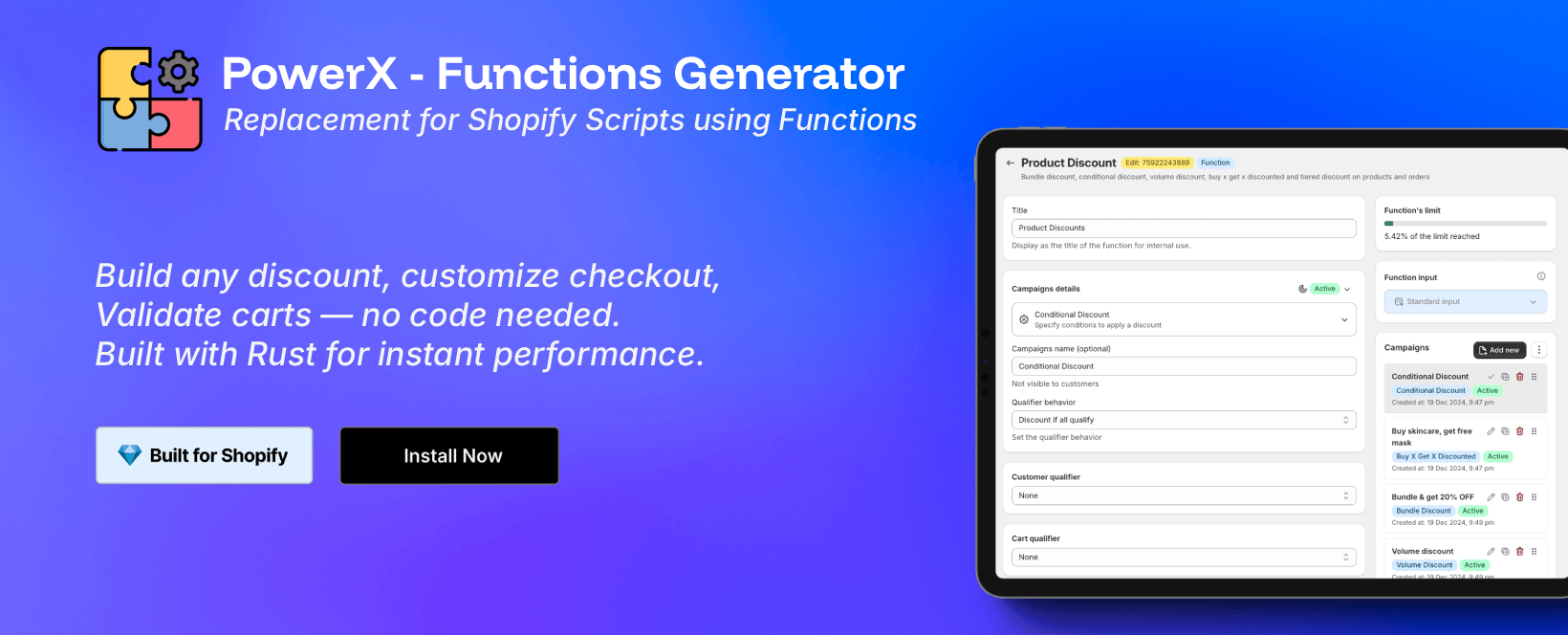
Section titled “How PowerX gets past the limit”With PowerX Functions Creator, each function (product discount, order discount, shipping discount and so on) contains multiple campaigns, and each campaign is an independent offer with its own conditions, dates and discount value.
Per the PowerX FAQ, that gives 30+ campaigns per function across 25 automatic discount slots: 750+ active discounts. Campaign allowance per plan:
| Plan | Campaigns per function |
|---|---|
| Starter (free, development stores) | 2 |
| Professional ($27.30/month) | 10 |
| Premium ($69.30/month) | Unlimited |
| Enterprise ($209.30/month) | Unlimited |
When many campaigns can match one cart, PowerX’s application strategy decides what happens. Maximum (the default) applies only the best one, which keeps behavior predictable during a sale.
Examples of what you can consolidate:
- A tiered order discount instead of three separate spend discounts
- One code, different discounts per collection
- Volume discounts by variant quantity
How many automatic discounts can I have on Shopify?
Section titled “How many automatic discounts can I have on Shopify?”25 active, including app-created ones.
Do expired or scheduled discounts count?
Section titled “Do expired or scheduled discounts count?”Only active automatic discounts count.
How do I run more than 25?
Section titled “How do I run more than 25?”Consolidate rules into app functions with many campaigns, such as PowerX.
Is it the same on Shopify Plus?
Section titled “Is it the same on Shopify Plus?”Check Shopify’s current documentation for your plan.
Related guides
Section titled “Related guides”