What Happens When Shopify Scripts Stop Working? (Your Questions Answered)

If you have Shopify Scripts running in your store, you likely have questions about what is happening and what it means for your checkout. This article answers the most common ones directly.
Q: My Script Editor says “read-only.” What does that mean?
Section titled “Q: My Script Editor says “read-only.” What does that mean?”As of April 15, 2026, Shopify has locked Script Editor. You can still see your Scripts and their code, but you cannot make any changes. This is the first phase of the deprecation.
Your Scripts are still running — this is purely about the editor. The second phase, when all Scripts stop executing, happens on June 30, 2026.
Q: What exactly breaks on June 30?
Section titled “Q: What exactly breaks on June 30?”Everything built with Shopify Scripts stops working. The three Script types and what that means for your store:
Line Item Scripts — These handled anything applied per-item in the cart:
- Automatic percentage or fixed-amount discounts
- BOGO (Buy One Get One) deals
- Bundle pricing and multi-item discounts
- Volume pricing tiers
- Conditional discounts by product, collection, or customer tag
Shipping Scripts — These handled shipping method logic:
- Free shipping based on cart value, product count, or customer tag
- Hiding or renaming shipping rates
- Showing different rates to different customers
Payment Scripts — These controlled which payment options appeared:
- Hiding payment methods based on order value or country
- Reordering payment methods at checkout
After June 30, none of this logic runs. Customers see full-price checkout, all shipping rates, and all payment methods — regardless of what your Scripts said.
Q: Will customers get an error message?
Section titled “Q: Will customers get an error message?”No. Scripts fail silently. Customers see a normal checkout — just without the discounts, rate filtering, or payment customization that your Scripts provided. There is no warning, no error, and no indication that something changed.
This is one of the most important points: you will not immediately know something broke unless you monitor orders and checkout conversion closely.
Q: Do I need Shopify Plus to use the replacement?
Section titled “Q: Do I need Shopify Plus to use the replacement?”No — and this is actually an improvement. Scripts required Shopify Plus at $2,300/month. Most Shopify Functions, including product discounts, order discounts, shipping discounts, shipping customization, payment customization, and checkout validation, work on all Shopify plans.
The only exceptions are Cart Transform and Discount Manager functions, which remain Plus-only. But those replace capabilities that were already Plus-only with Scripts.
Q: What app should I use to replace my Scripts?
Section titled “Q: What app should I use to replace my Scripts?”You need a Shopify Functions app. The right choice depends on what your Scripts did:
If your Scripts only handled product discounts (BOGO, volume pricing, percentage off), a focused discount app can work. Options include Function Studio, Discount Genie, or SupaEasy.
If your Scripts touched discounts AND shipping or payment logic, you need an app that covers all three. Installing three separate apps is possible but creates complexity, potential conflicts, and usually costs more.
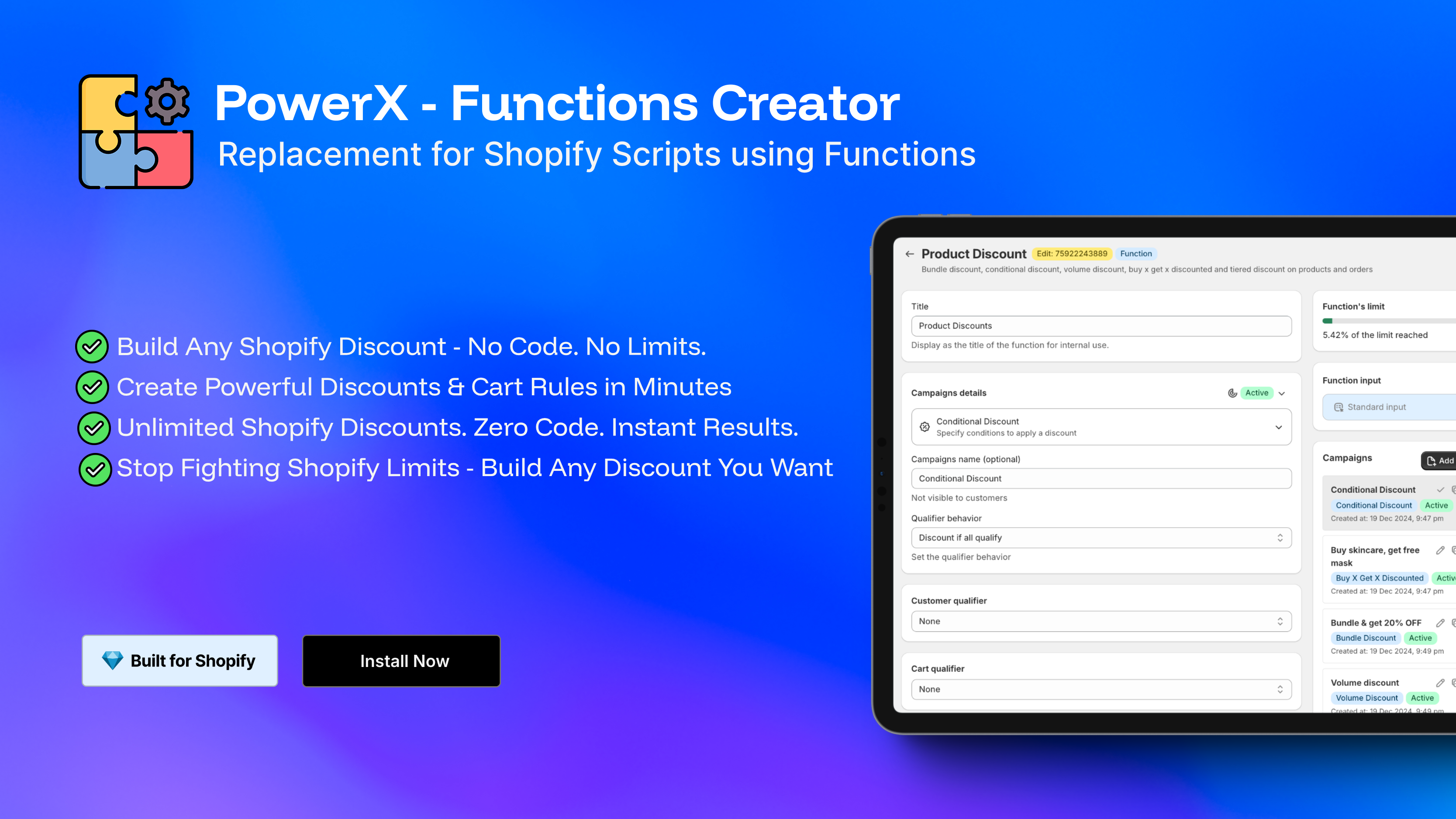
PowerX Functions Creator covers all 8 Shopify Function types in one app — the only option that fully replaces everything Scripts could do, plus the new capabilities Scripts never had. It starts at $27.30/month, works on all Shopify plans, and requires no coding.
For a detailed comparison, see Shopify Scripts alternatives compared.
Q: How do I find out which Scripts I have?
Section titled “Q: How do I find out which Scripts I have?”Go to Settings > Script Editor in your Shopify admin. You will see a list of all Scripts in your store. For each one, note:
- Which Script type it is (Line Items, Shipping, Payment)
- What logic it applies (conditions, discount amounts, affected products)
- Whether it is active
This inventory is your migration checklist.
Q: How long will migration take?
Section titled “Q: How long will migration take?”For most stores: a few hours. A no-code Functions app like PowerX uses a visual rule builder — you fill in conditions and discount values through a form, not code. If you have 5–10 Scripts, expect 2–4 hours of setup and testing.
Complex stores with dozens of Scripts or intricate nested logic may need a few days to migrate and validate. Start now regardless. The testing phase — running your new Functions app alongside your Scripts to verify identical behavior — is what takes the most time, and you want to do that before June 30, not the night before.
Q: Can I just leave my Scripts and do nothing?
Section titled “Q: Can I just leave my Scripts and do nothing?”You can leave them until June 30. They will continue running until that date. But after that date, they stop permanently with no option to reactivate or extend.
Waiting until late June leaves no time for testing. A migration that takes two hours to set up can take a week to fully validate in a production store. Start early.
Your Next Step
Section titled “Your Next Step”The fastest way to protect your checkout: install PowerX Functions Creator, audit your Scripts, and recreate each one in the visual builder. The Getting Started guide walks you through your first function in minutes, and 28 pre-built examples cover the most common Script patterns.
Free on development stores. 3-day free trial on all paid plans.